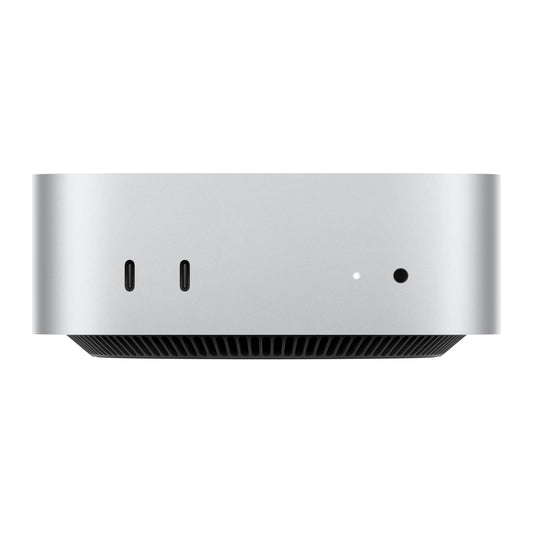
Collection: Mac mini
Shop Apple Mac mini desktops in Australia for home offices, study, development and creative work. The compact Mac mini delivers Apple silicon performance while letting you choose your own display, keyboard and mouse.
Compare chip generation, memory, storage and port requirements before buying. More unified memory helps with heavier multitasking and creative apps, while larger internal storage reduces reliance on external drives.
Choosing a Mac mini
-
Everyday work and study: prioritise enough memory for your normal mix of browser tabs and apps.
-
Creative work: consider more memory and storage for photo, video and audio projects.
-
Home server or development: check port, network and storage requirements carefully.
-
Complete setup: remember that a display, keyboard and mouse are sold separately unless stated.
Compare Mac mini M4 256GB vs 512GB storage, or read our Mac mini M4 vs M5 guide.
Mac mini FAQs
Does Mac mini include a display?
No. Mac mini is designed to connect to a compatible external display, keyboard and mouse.
How much memory should I choose?
Choose based on workload. Everyday users can start with the base configuration, while heavier creative and development work benefits from additional memory.
Should I choose 256GB or 512GB?
256GB can suit cloud-first or external-drive workflows. Choose 512GB for more local apps and files with less storage management.